Let the agents cook
Three lessons from building agents at LiveDocs: connect the dots, get out of the model's way, and check the results.






Notes from the talk
Hey, these are notes from my talk at the AI Engineer conference about building agents. They draw on my work at LiveDocs, a general data agent. It let you explore your data with AI and build notebooks and experiments on top of your existing datasets, lab databases, and warehouses.
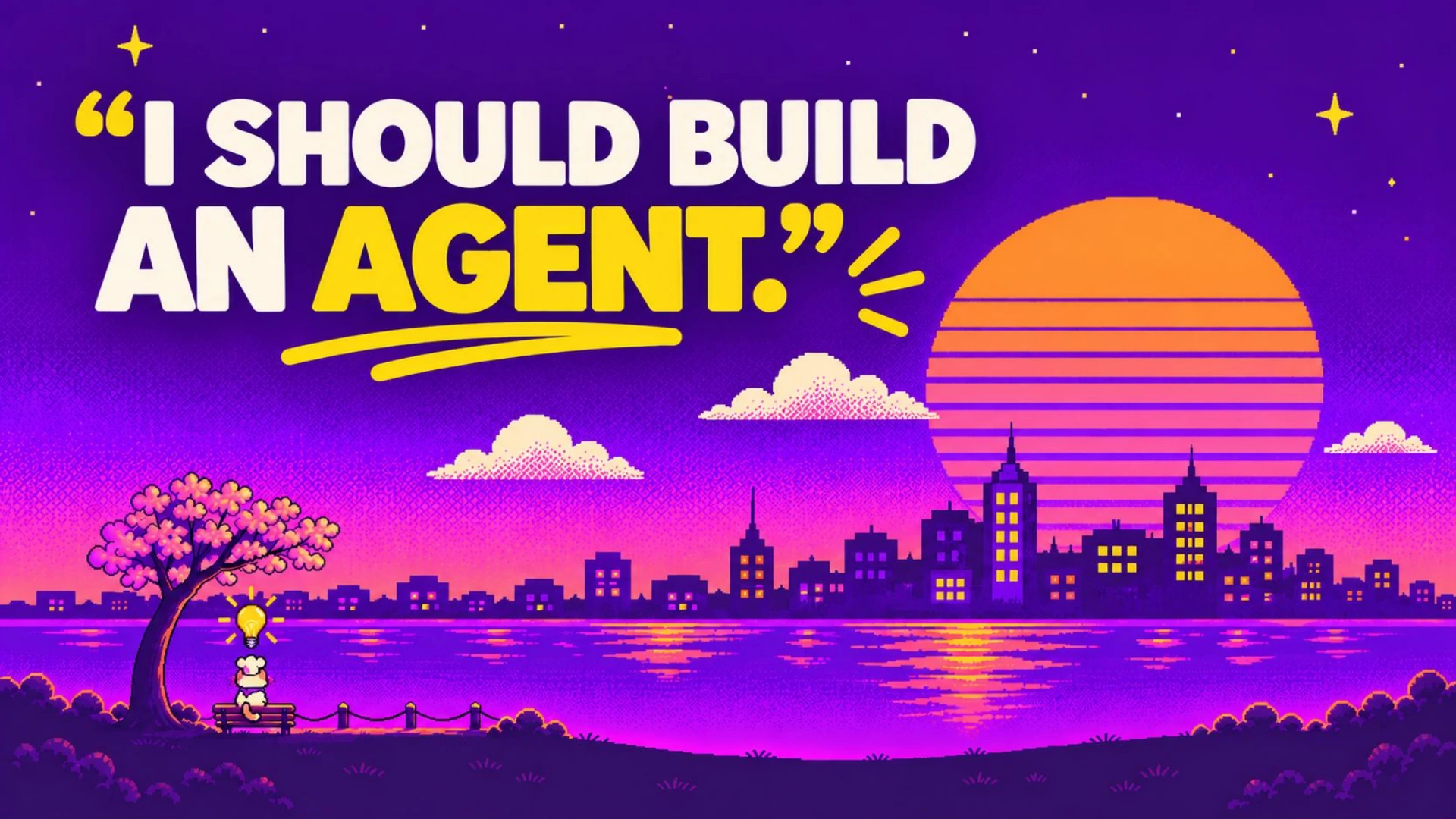
Picture this: it's a warm, sunny day in San Francisco. There's a nice breeze. The sunset is beautiful, and you're sitting on a park bench. You just got yourself a fish taco. Life is good. Then you think to yourself, "I should build an agent." That's your first mistake, but you decide to proceed anyway.
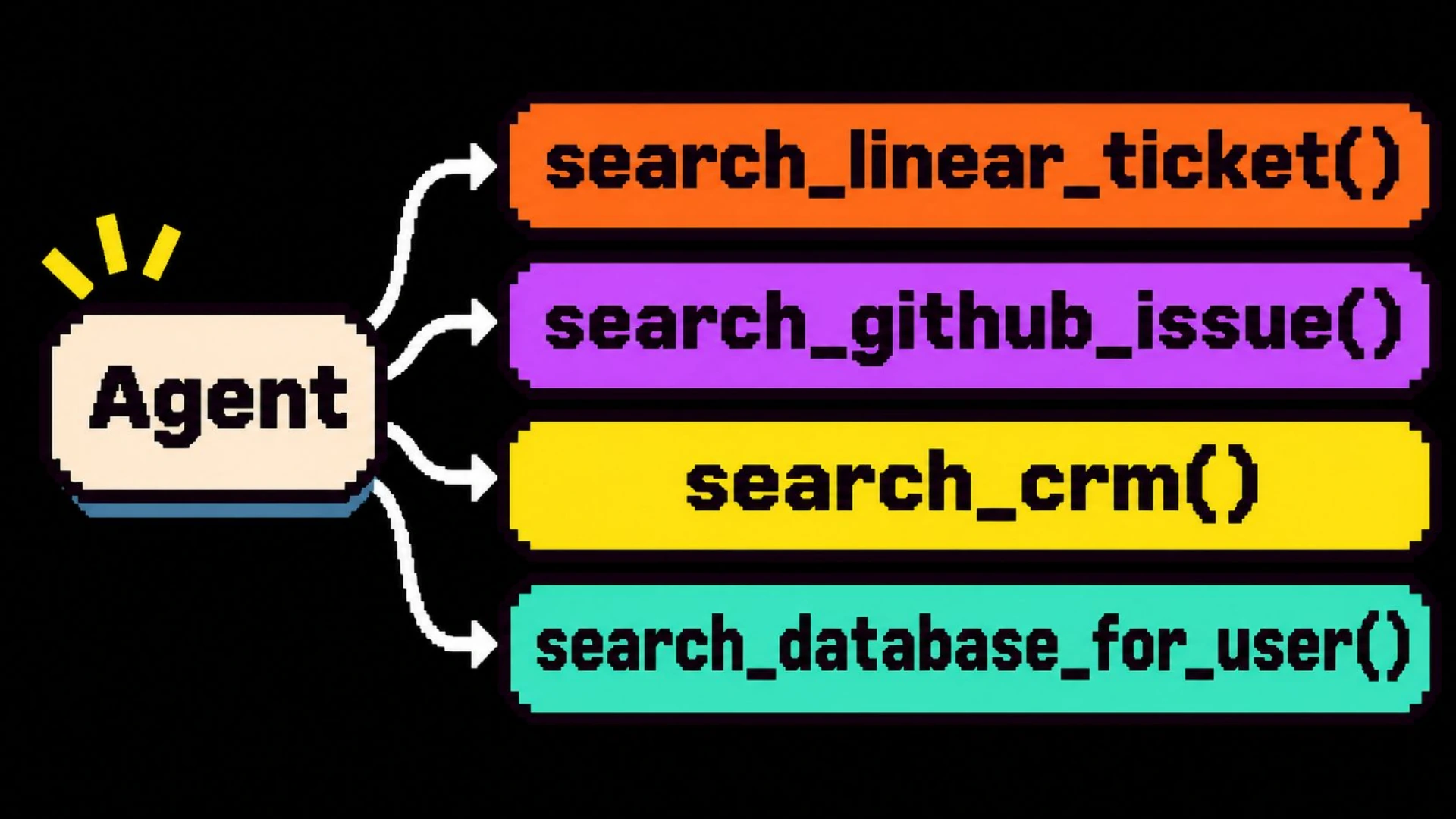
You roll your own harness, obviously. 1 The harness is the code around the model: the agent loop, tool calls, state, and checks. The plan is simple. You're going to give it a bunch of tools, probably one per data source. What's funny is that it even works at first. You can answer simple questions, fetch a Linear ticket, or get a GitHub issue. It all seems to work until it doesn't. That's how they get you.
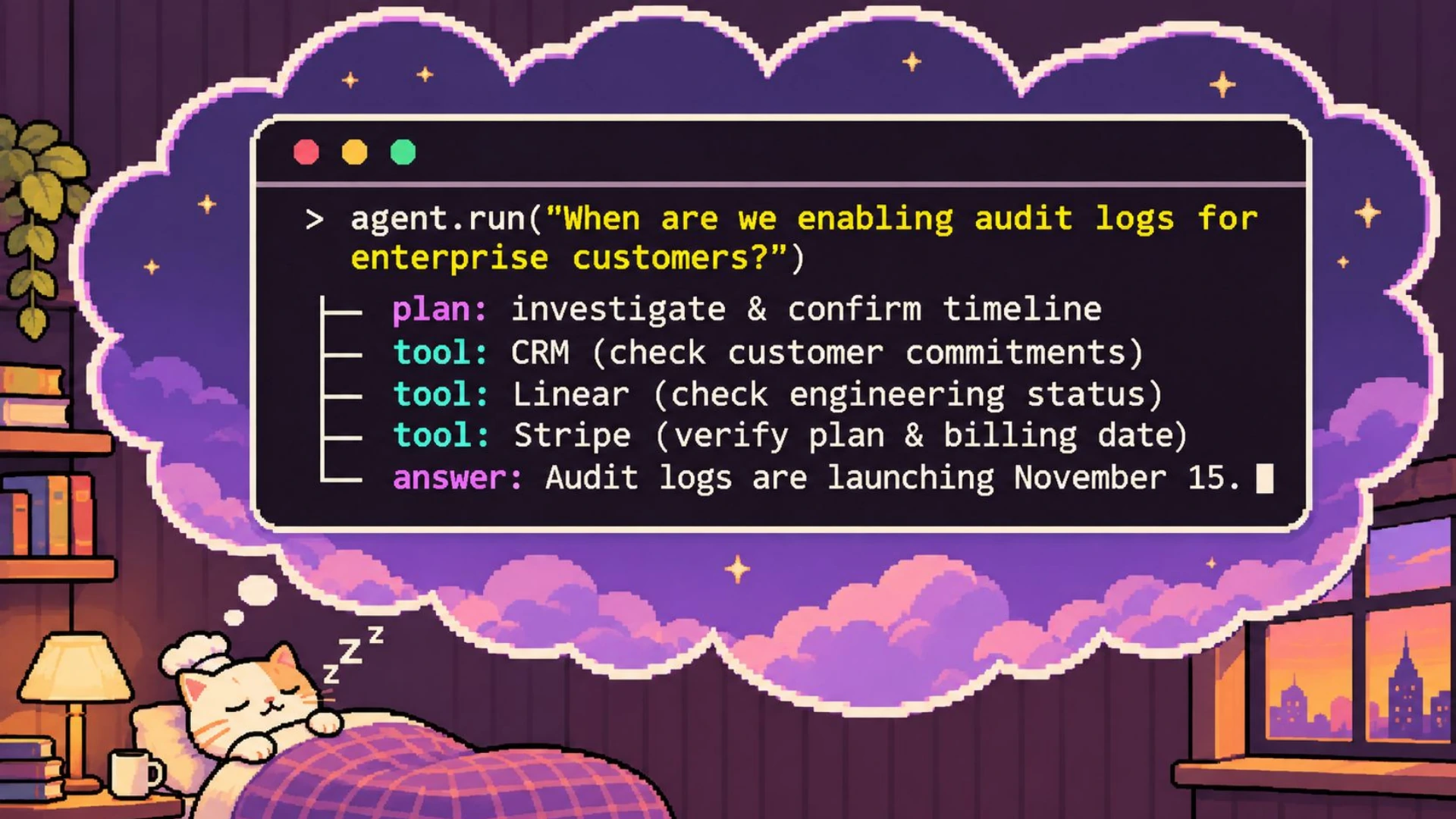
Then your agent starts failing in ways that are hard to pin down. It fetched a single Linear ticket or pulled one user out of the database. So you go to sleep peacefully, thinking you can ask more complex questions and it'll just work. The reality is different.
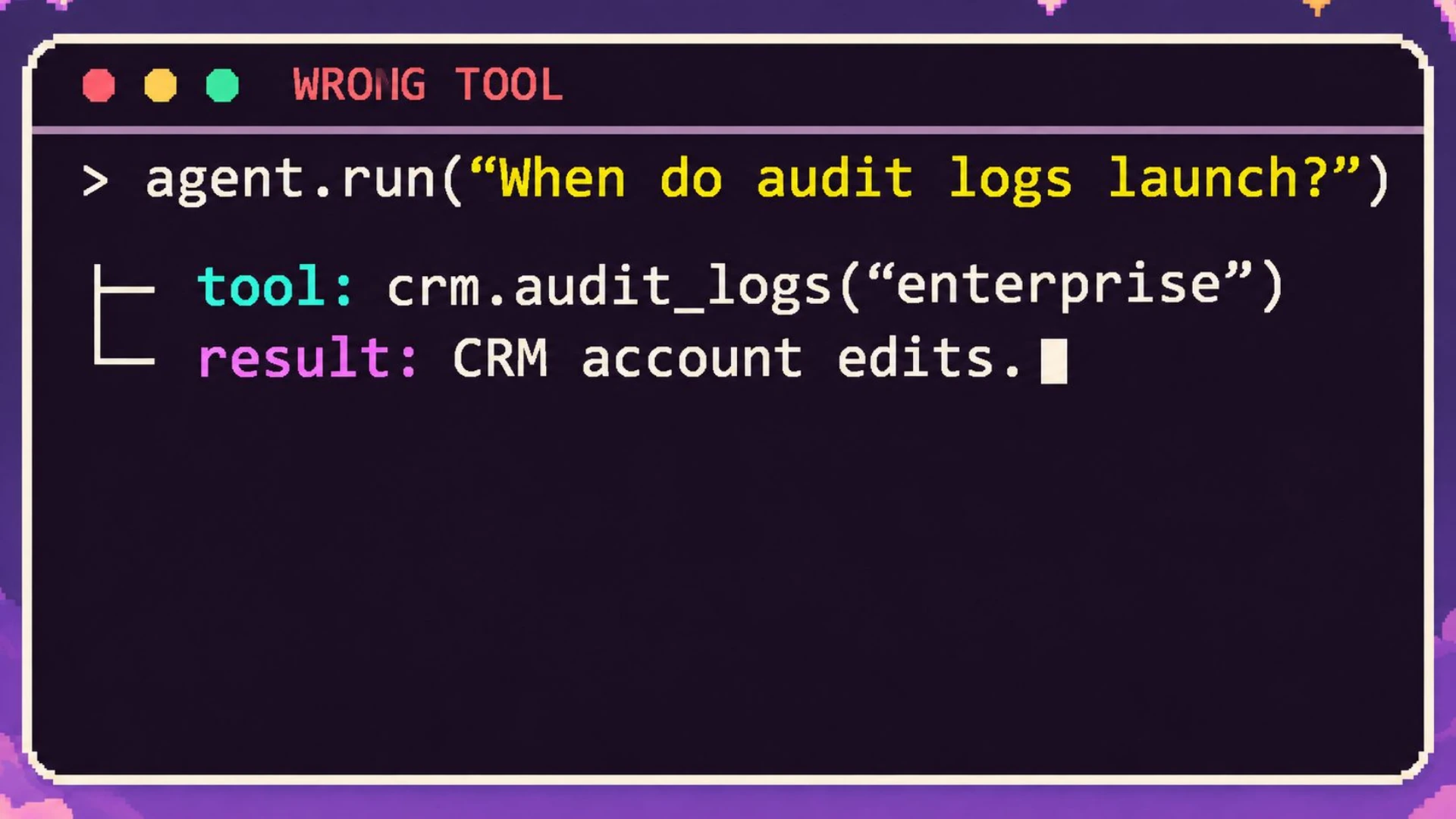
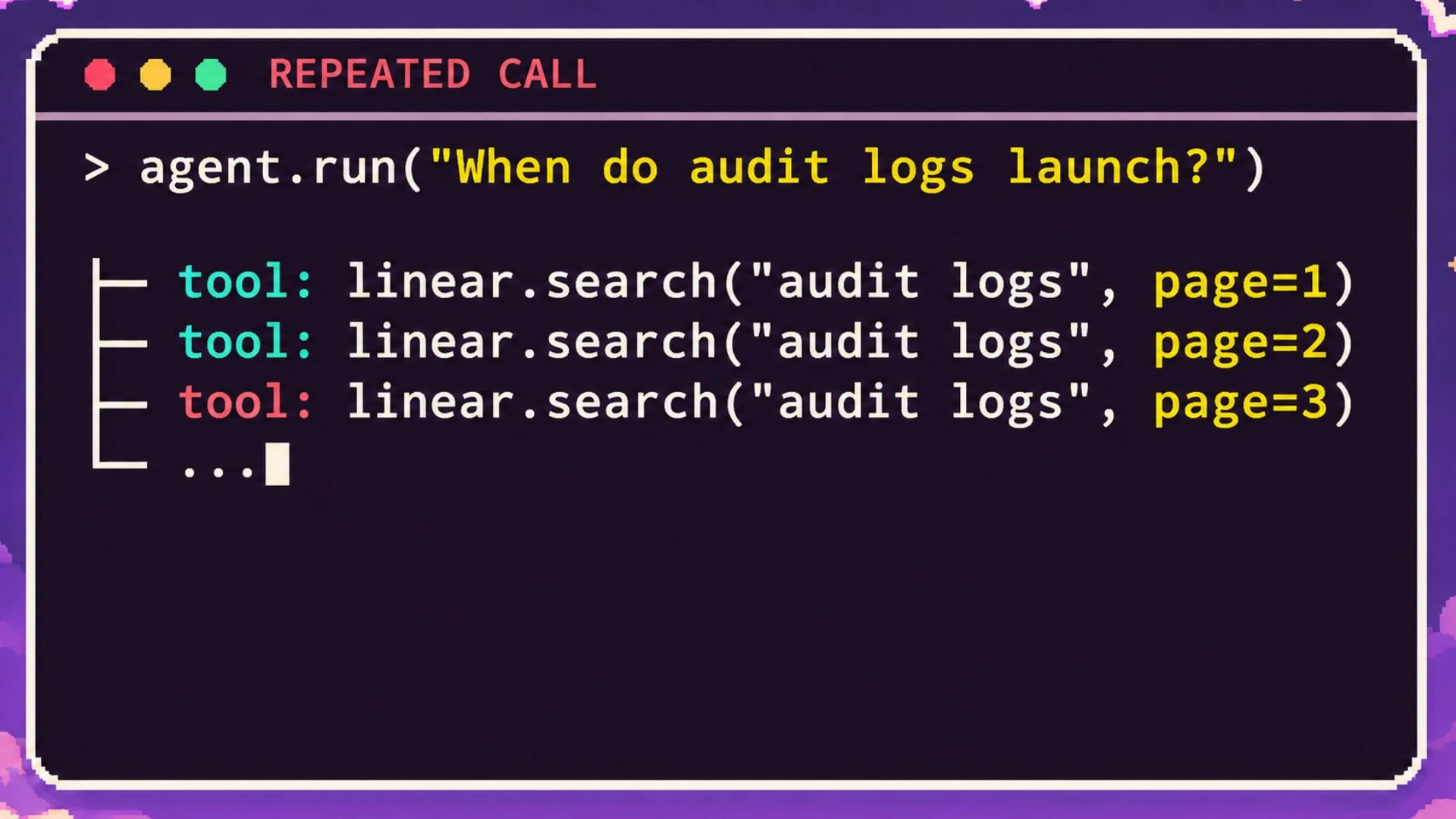
Sometimes the agent calls the wrong tool because it gets confused. You ask it to fetch a user. It doesn't know whether to look in the CRM or your database. Sometimes it gets stuck in a loop. It might be dealing with pagination or rate limits. Or it just decides to call the same tool over and over.
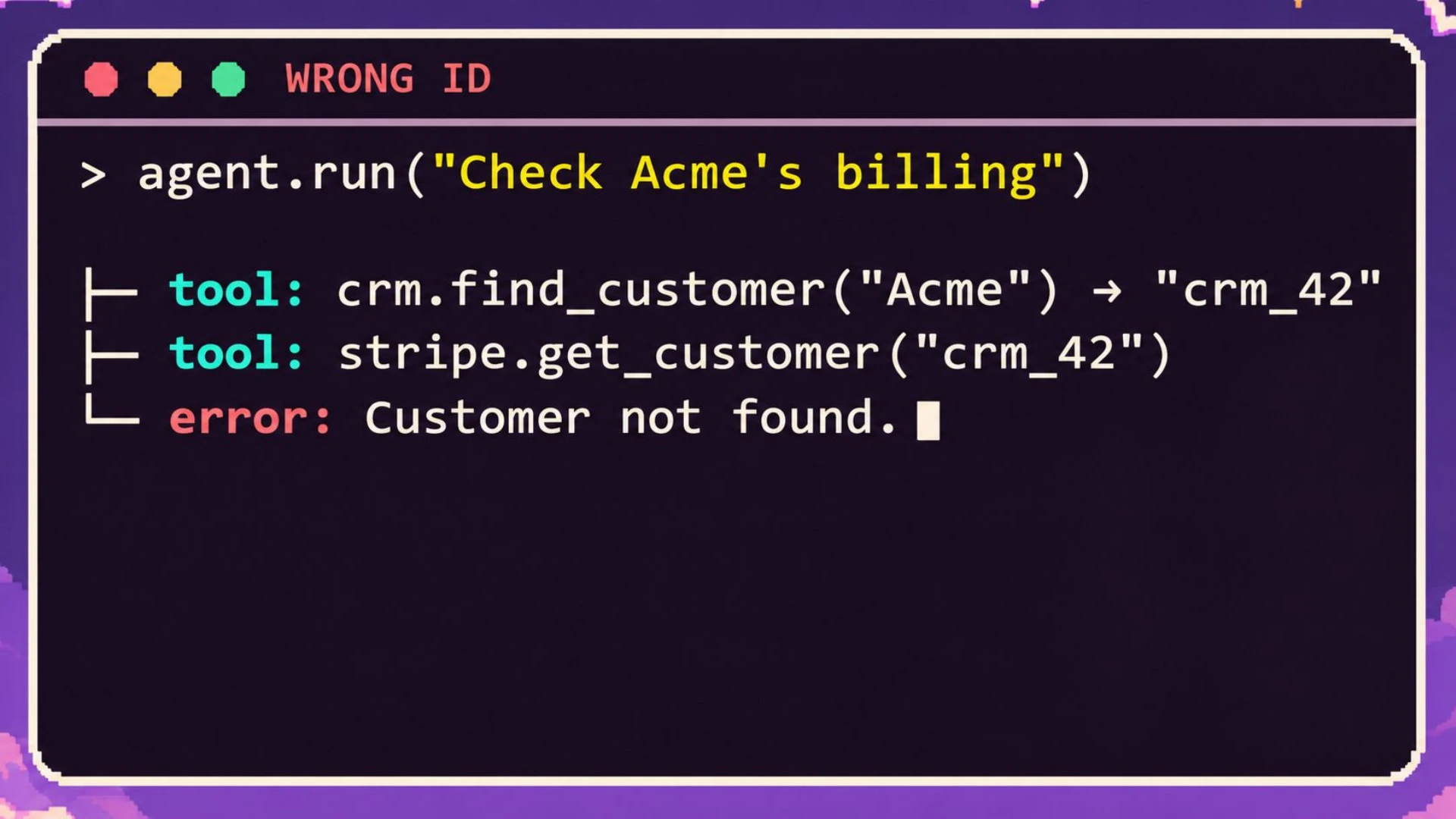
Other times, it's just plain wrong. It doesn't understand the parameters or the differences between tools. It might fetch something from Stripe without using the customer ID. Or it doesn't know that your CRM uses email addresses to find customer records.
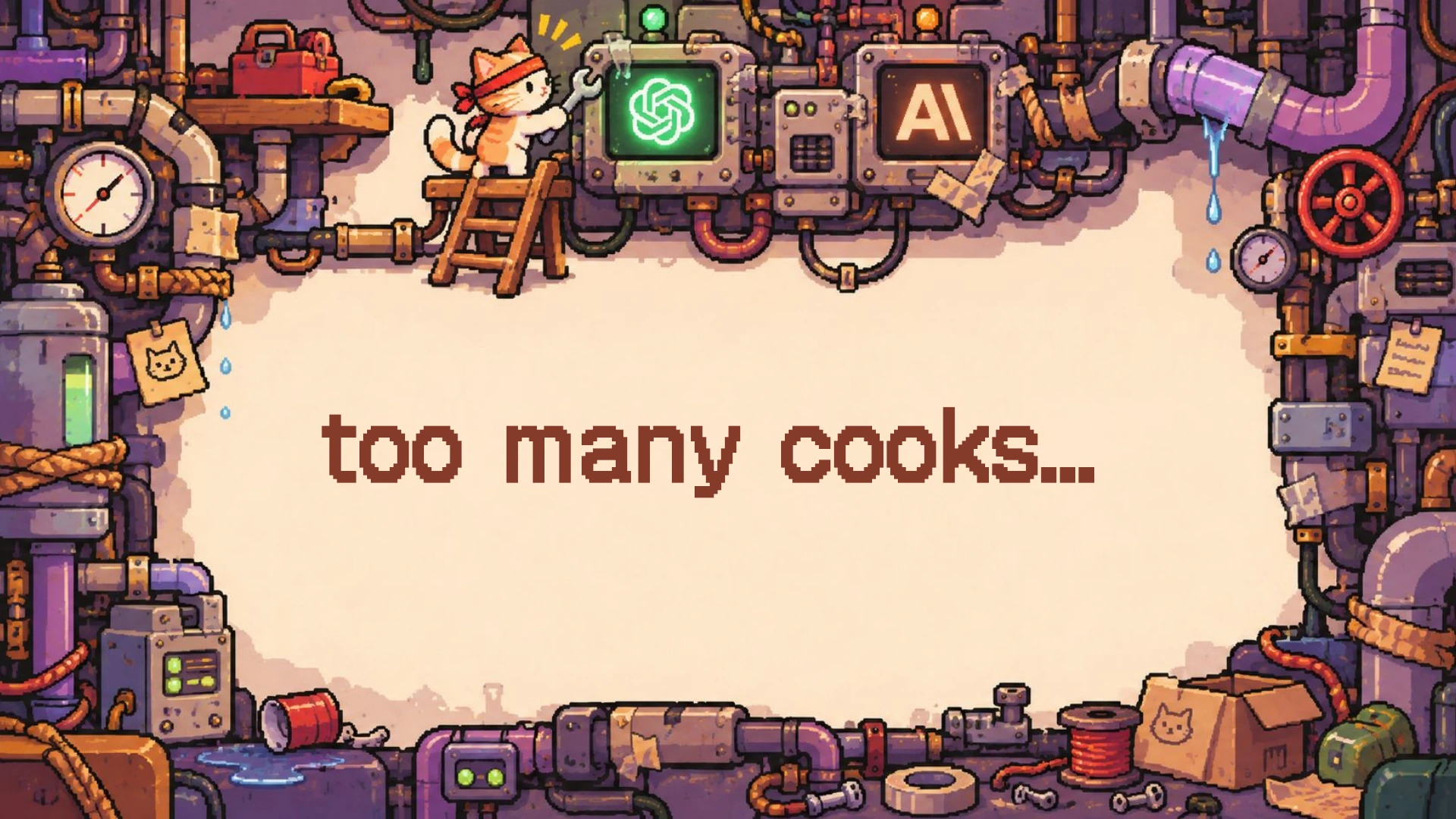
We faced something similar at LiveDocs. We had tools across OLAP cubes and databases. They all had some kind of query function and a way to stream results back. Agents often get confused when they have to navigate that many tools. Microsoft Research calls this "tool-space interference." 2 Microsoft Research, Tool-space interference in the MCP era. Useful tools can become less effective when combined.
We followed Anthropic's guidelines to fix this.
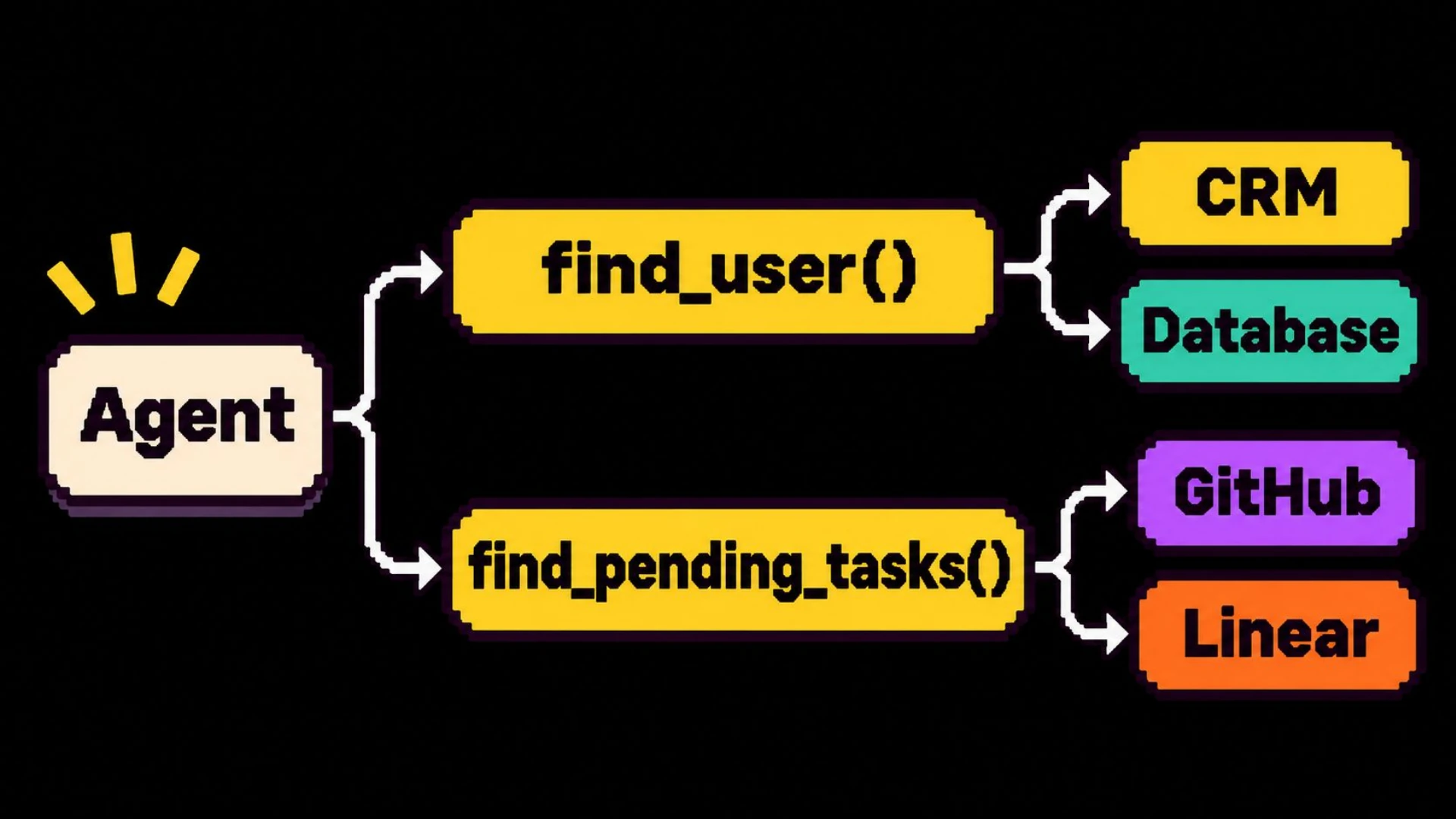
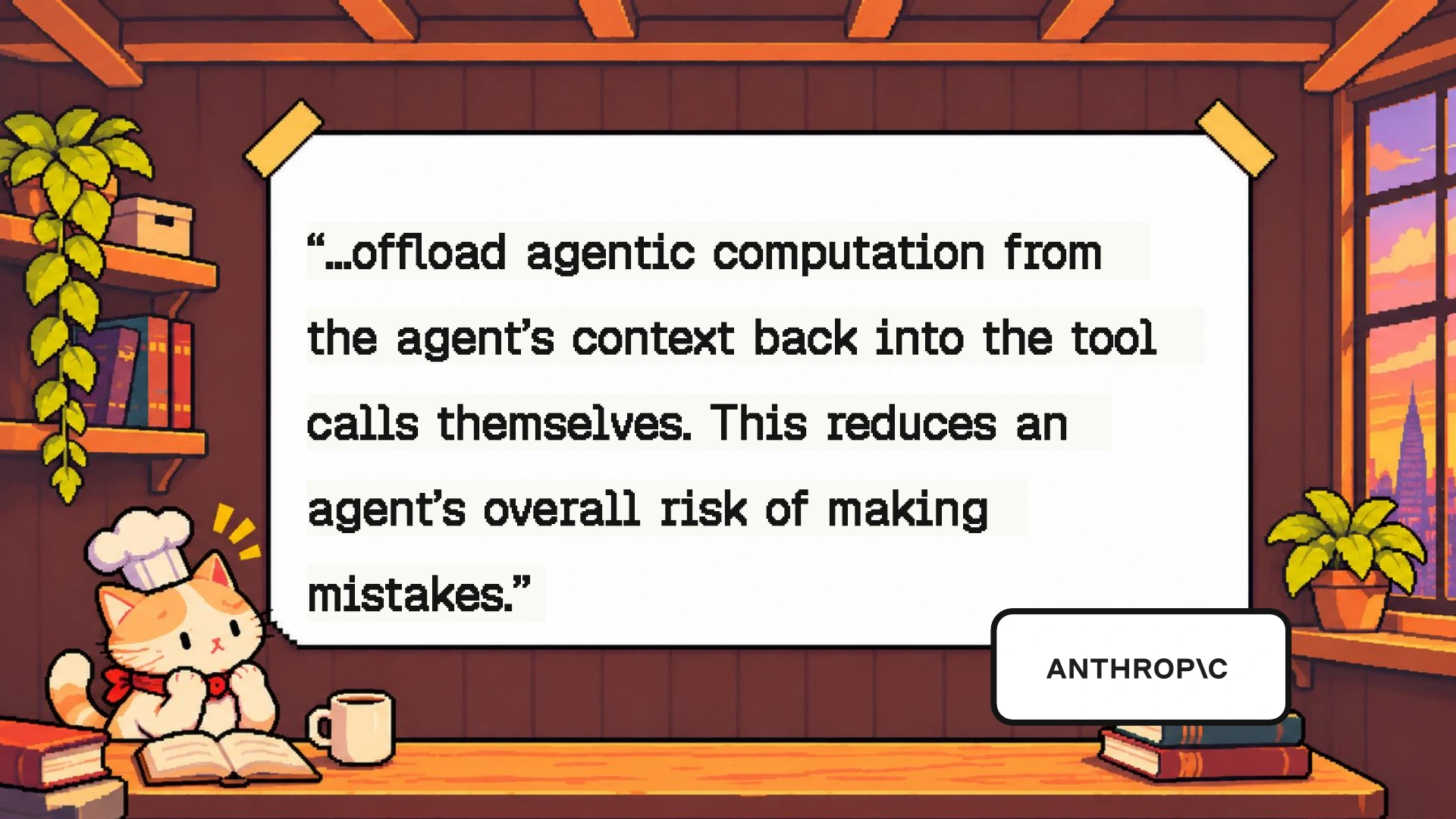
3 Anthropic, Writing effective tools for agents. Design tools around meaningful tasks and move work out of the model's context into tool implementations. We grouped tools by what they meant and moved the complexity of pulling data into the tools themselves. In our example, that could mean two functions: find_user and find_pending_task.
find_user would search your CRM and database. It would remove duplicates and handle pagination, retries, and so on. That gives each tool a clear job.
Anything that can be done deterministically should be done deterministically. That doesn't mean a match is definitely correct. But it makes it easier to avoid confusing your agent. Organize your tools around a clear job. Let their implementation handle the different systems. Consolidating tools this way can improve the quality of your agent.
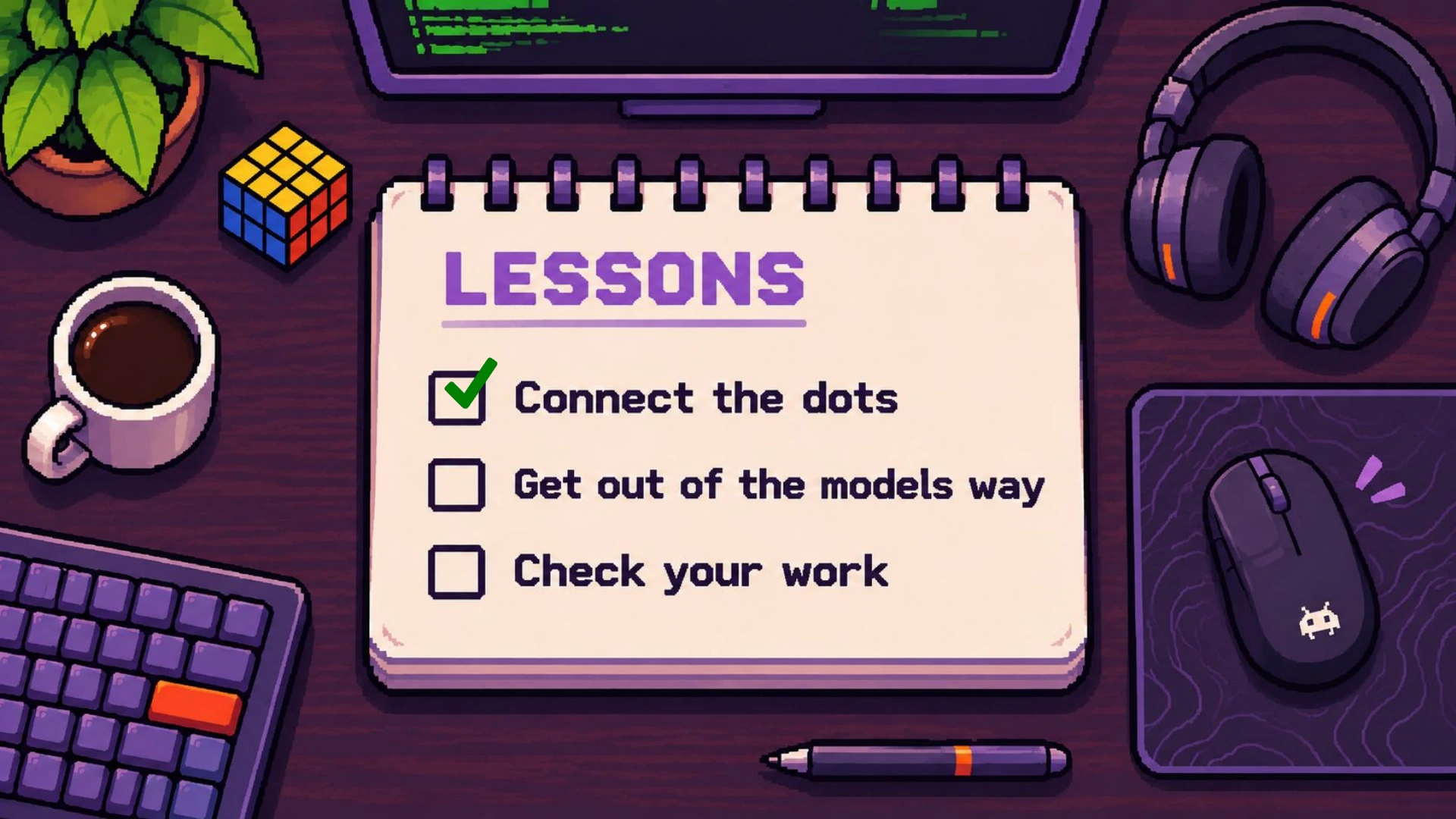
That's the first lesson: connect the dots for your agent. Don't give it a fragmented landscape to navigate. Let it use the predictable ways of doing things that you already know.
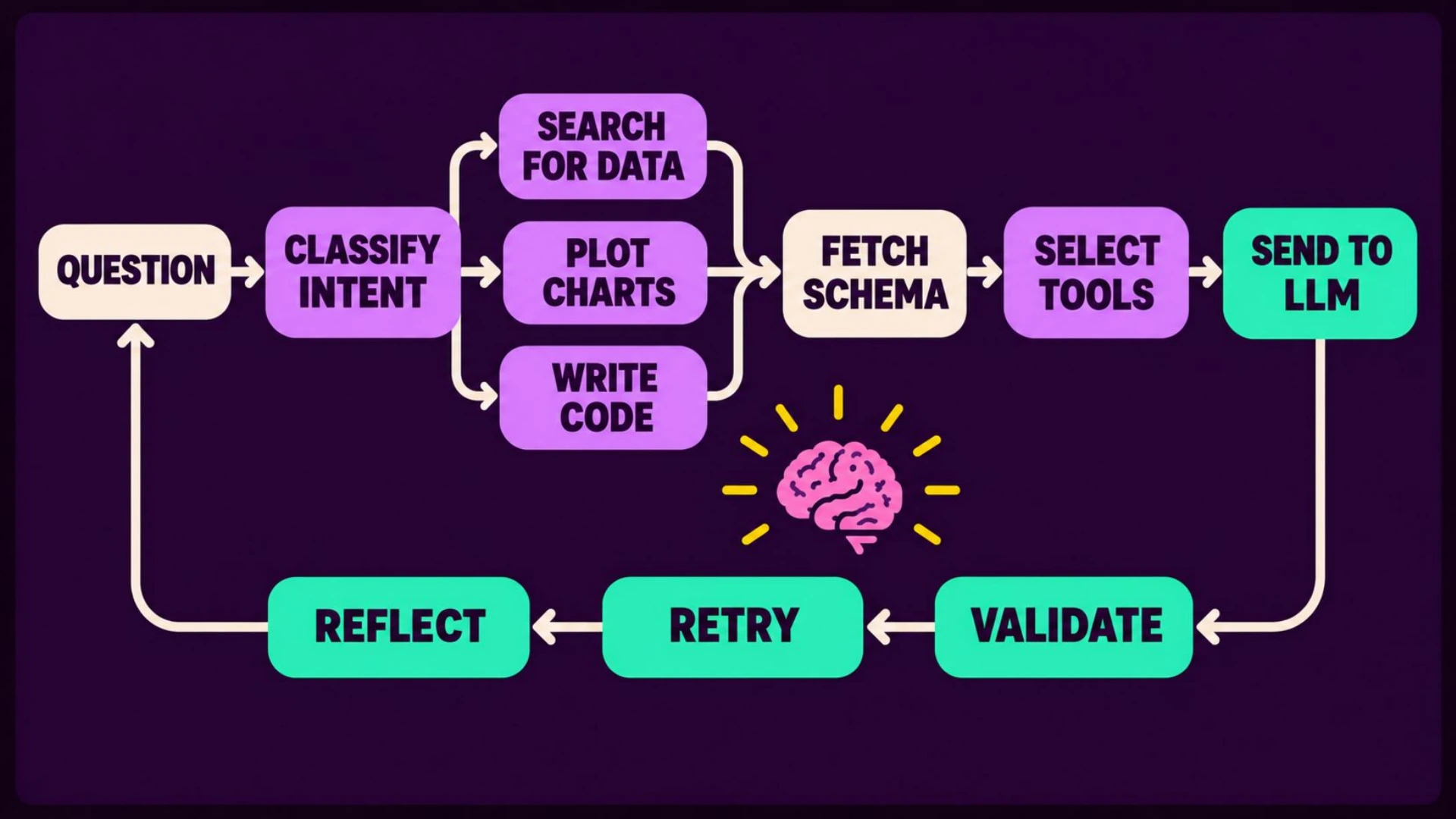
The second kind of failure we often see is premature optimization. We introduce step-by-step workflows to solve problems the model can already handle on its own. At LiveDocs, we assumed our agent would get lost in complex schemas, make bad joins, or hallucinate table names. So we built guardrails:
- Filtering the context.
- Constraining the options.
- Declaring tools conditionally.
- Classifying intent.
These steps can end up blinding the model. Over time, we realized it was better to stay out of its way.
Steps outside the agent loop often need retuning. New models come out and make many of those steps obsolete. We'd spend more time fixing and patching them than improving the agent and getting meaningful results.
Imagine you're in a bicycle race. You'd want the training wheels off. The models are good enough that most tasks don't need them.
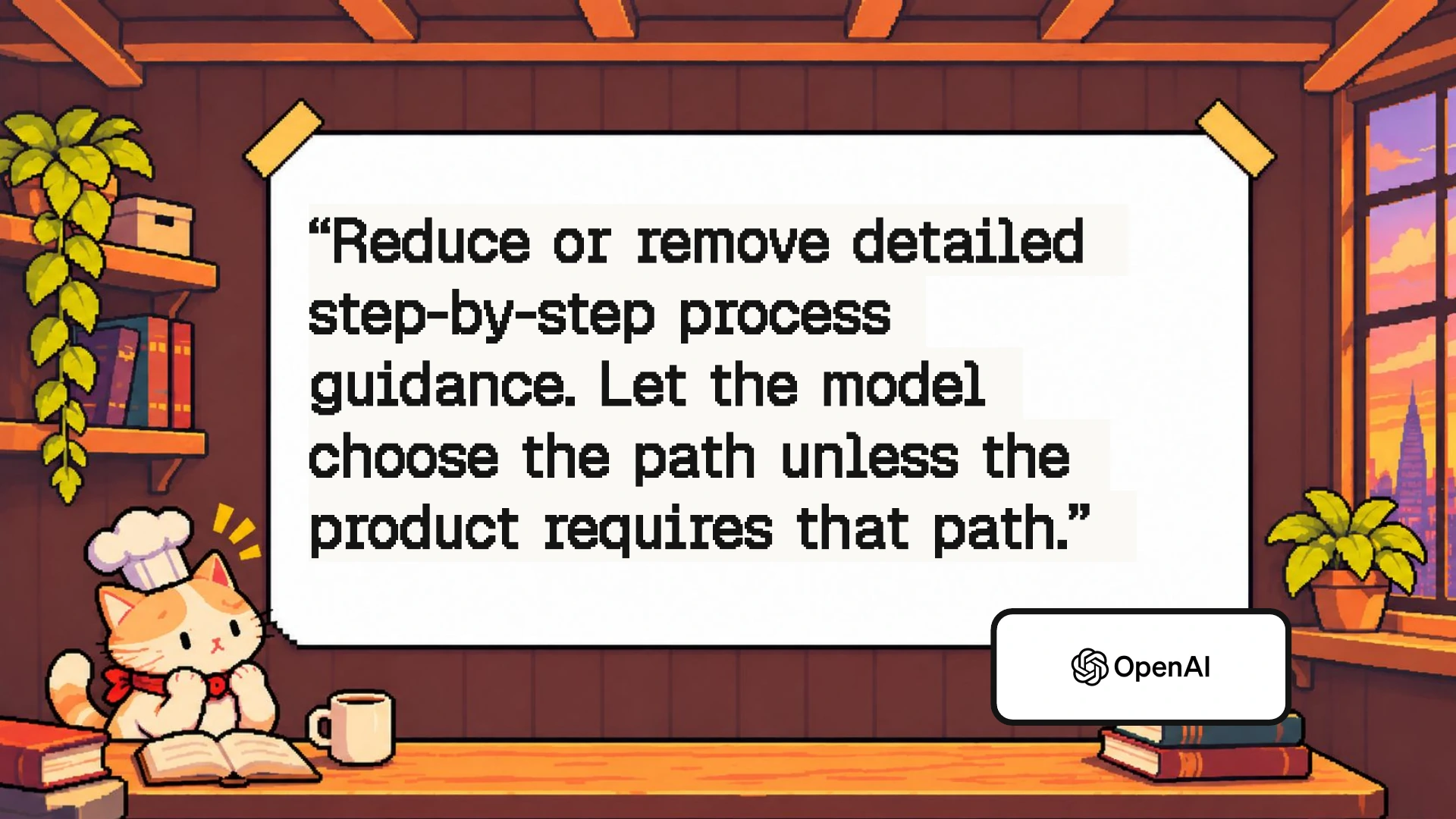
To be clear, this doesn't mean you should remove everything outside the agent loop. Stripping out personal information still matters. So do validation, execution limits, and approval gates. Those don't become obsolete just because the model gets smarter. OpenAI's prompting guidance makes the same distinction: give clear goals and constraints, and let the model choose the path. 4 OpenAI's GPT-5.5 prompting guidance recommends clear outcomes and less step-by-step direction unless the product requires a specific path.
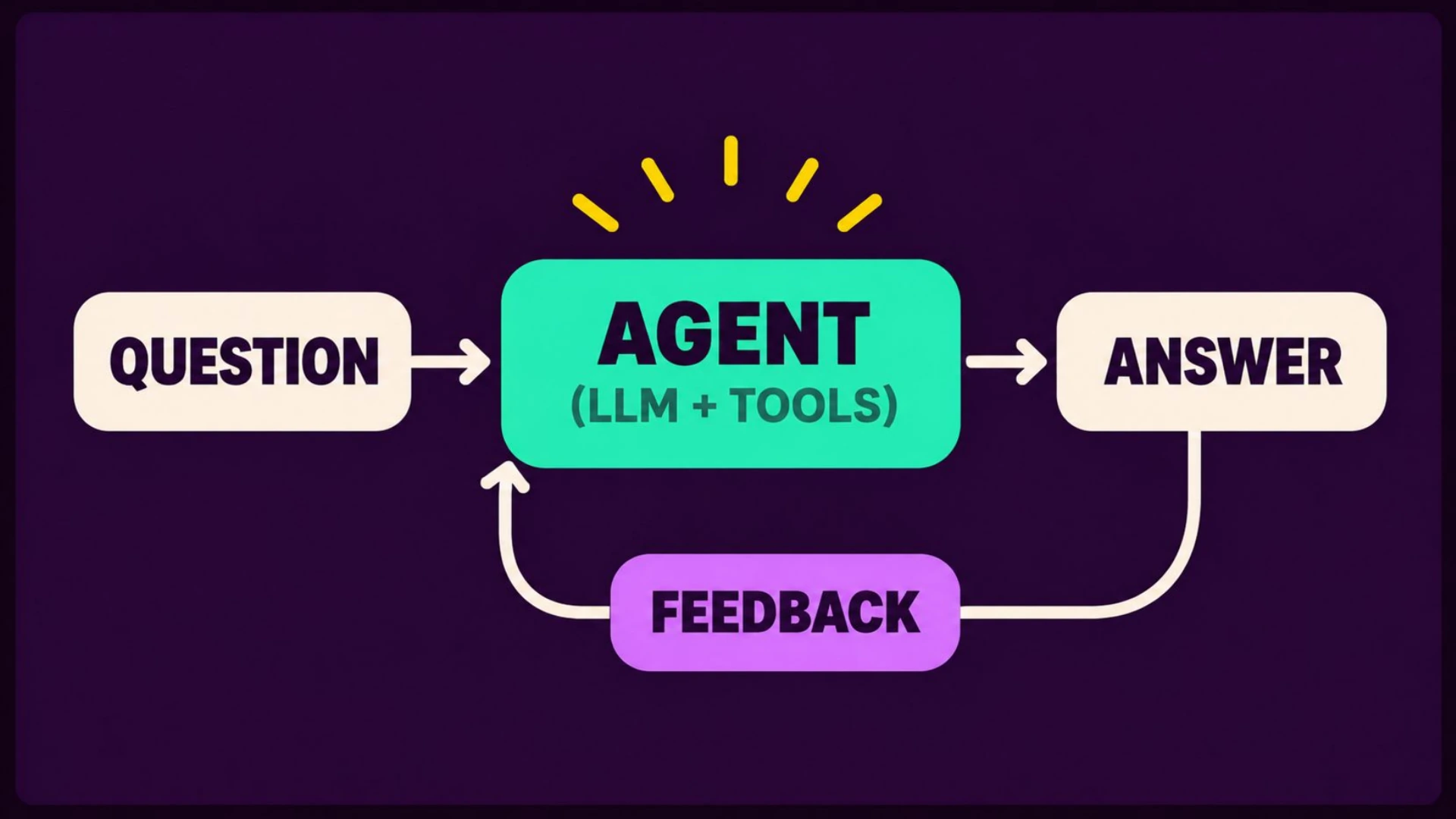
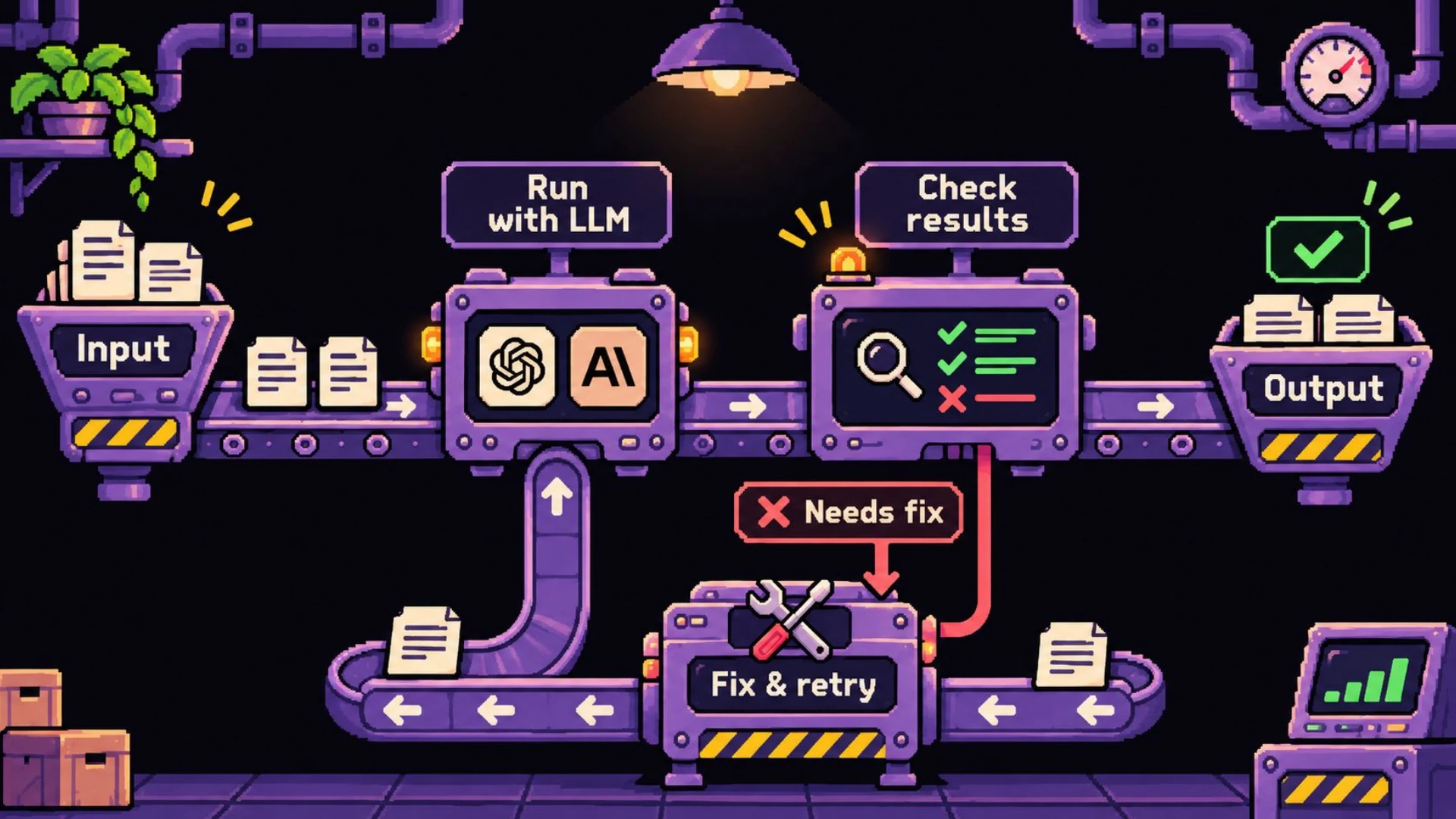
Eventually, we adopted a much simpler setup. We took the user's prompt and gave it to an agent with all its tools configured. We also gave it ways to validate its answer and use that feedback to improve. We stopped adding unnecessary steps that got in its way.
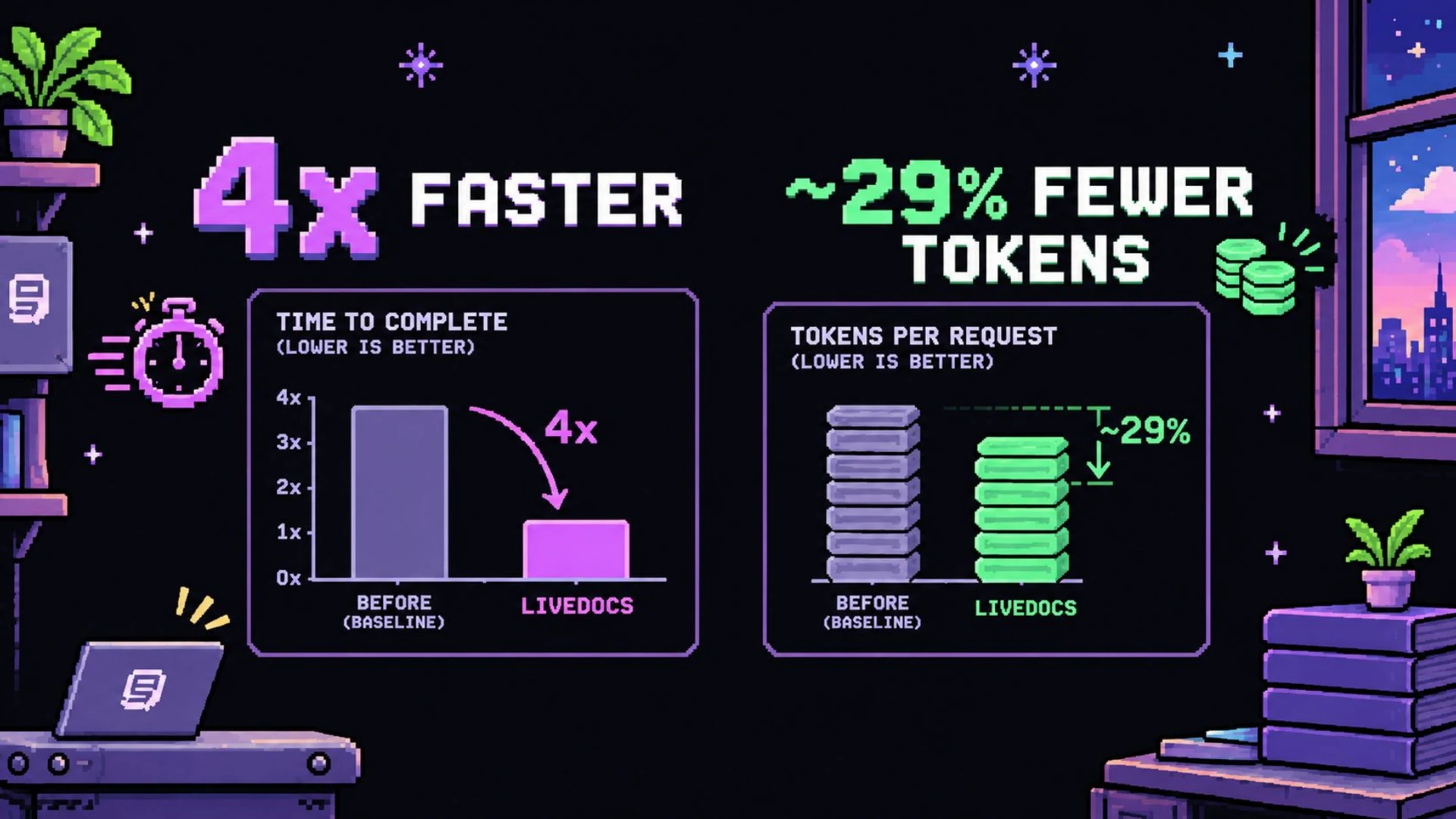
Most big improvements in your agent come from better models, rather than your harness or custom logic. Vercel famously wrote about removing 80% of its agent's tools. That led to a significant improvement in the results. 5 Vercel, We removed 80% of our agent's tools, describes the changes to its internal data agent, d0. We did something similar at LiveDocs. Our agent became four times faster. Token use dropped by 30%, which also reduced the cost per query per customer. 6 The deck shows 29% fewer tokens. I'm rounding that to 30% in these notes.
That was our second lesson: get out of the model's way. Don't let your optimizations blind the agent.
The third and final lesson is closely related. Wherever possible, give your agent a way to do a taste test. Let it validate results, check answers, and correct its course. Agents benefit from reflecting on what they learn while working on a problem.
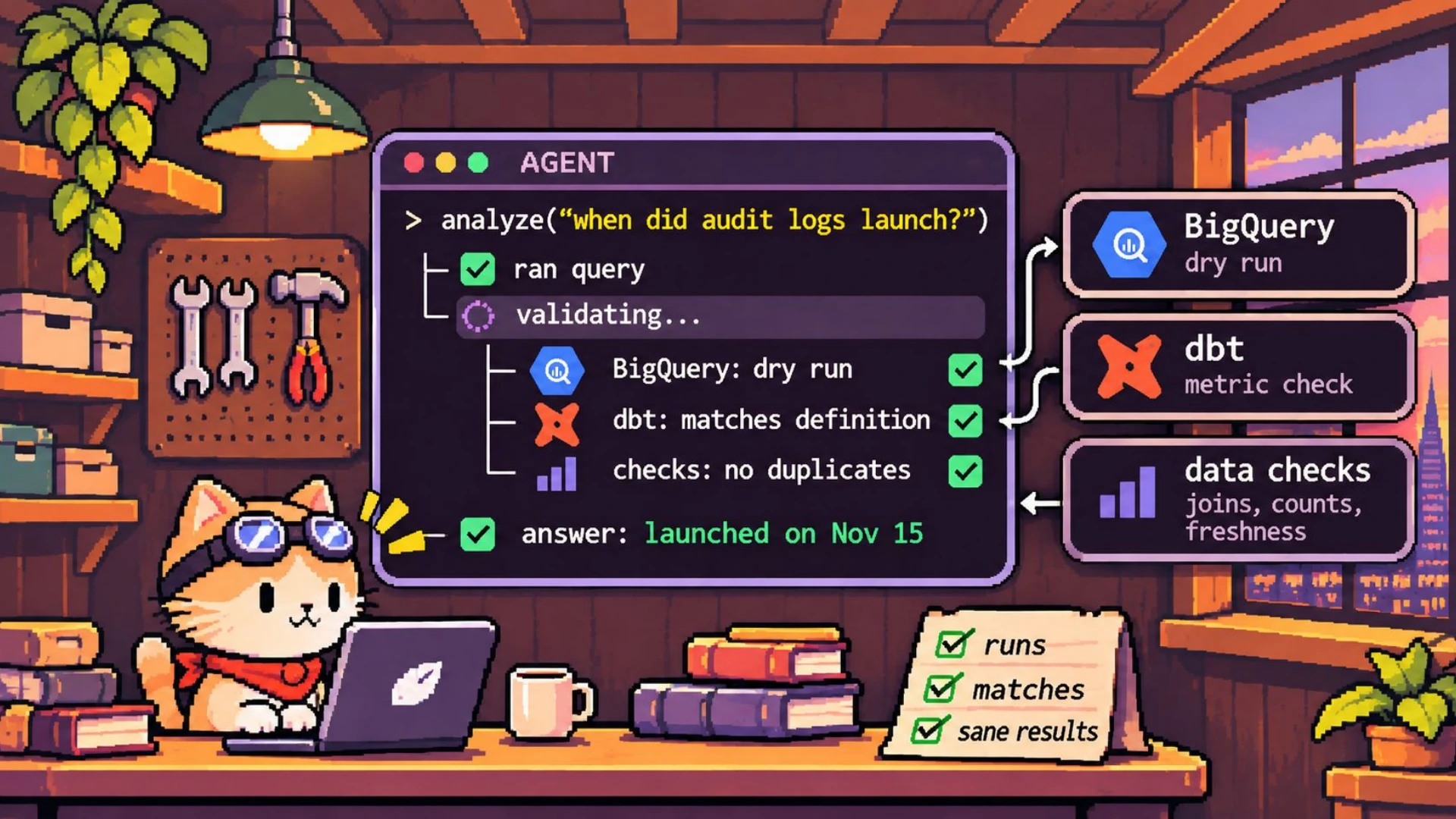
In practice, that means giving the agent a cheap, fast way to check an answer. Sometimes that check can be deterministic. For data tools, it could mean dry-running queries or comparing results against a feature table or semantic layer. 7 A BigQuery dry run validates the query without executing it. That catches query errors before the agent runs the query. For coding agents and bug fixes, it could mean running tests and linters.
The goal isn't to get your agent to solve every complex problem in one shot. Let it do its best, then correct its course when the results are off. At LiveDocs, dry-running queries was one way we got more accurate results.
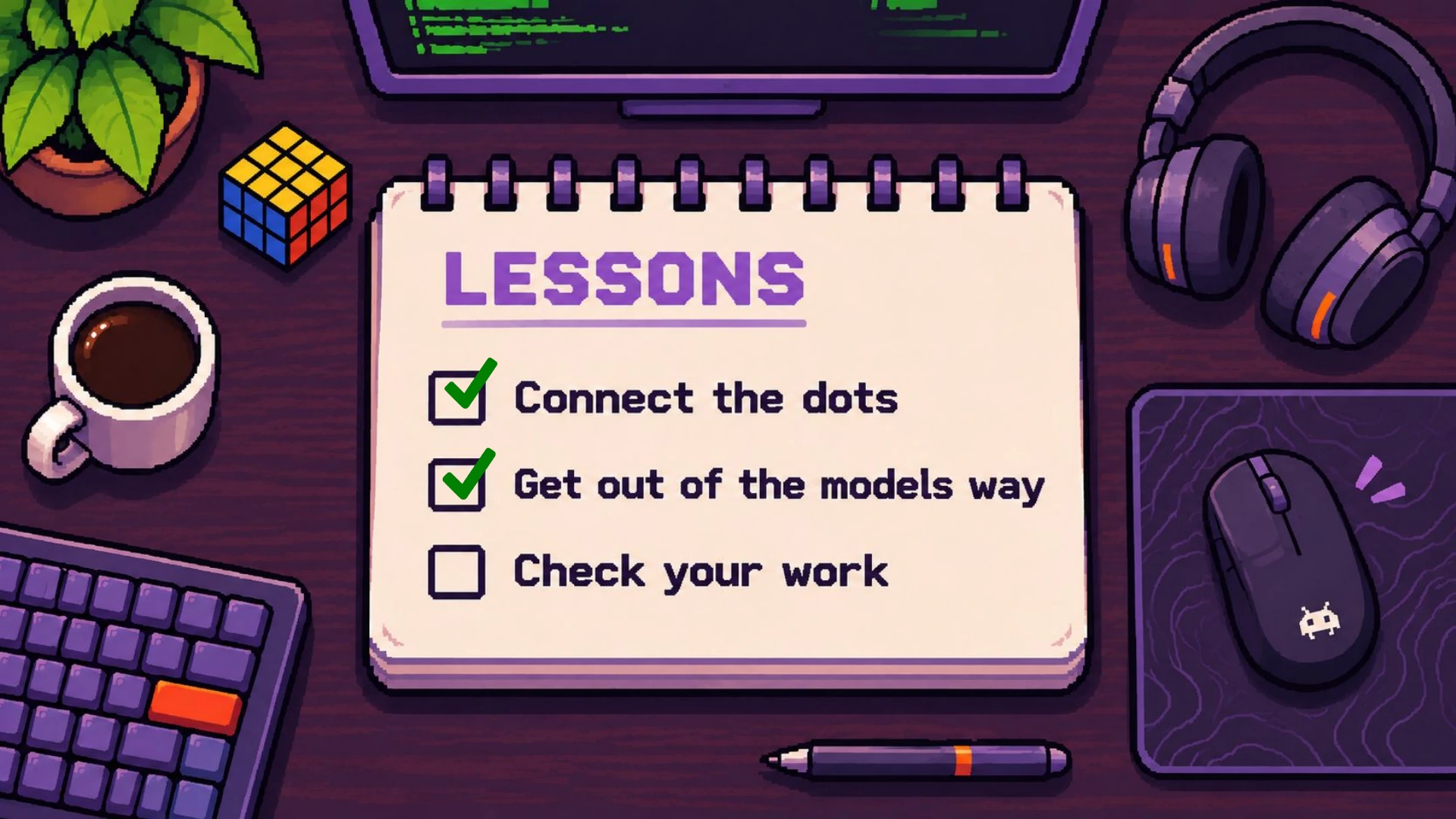
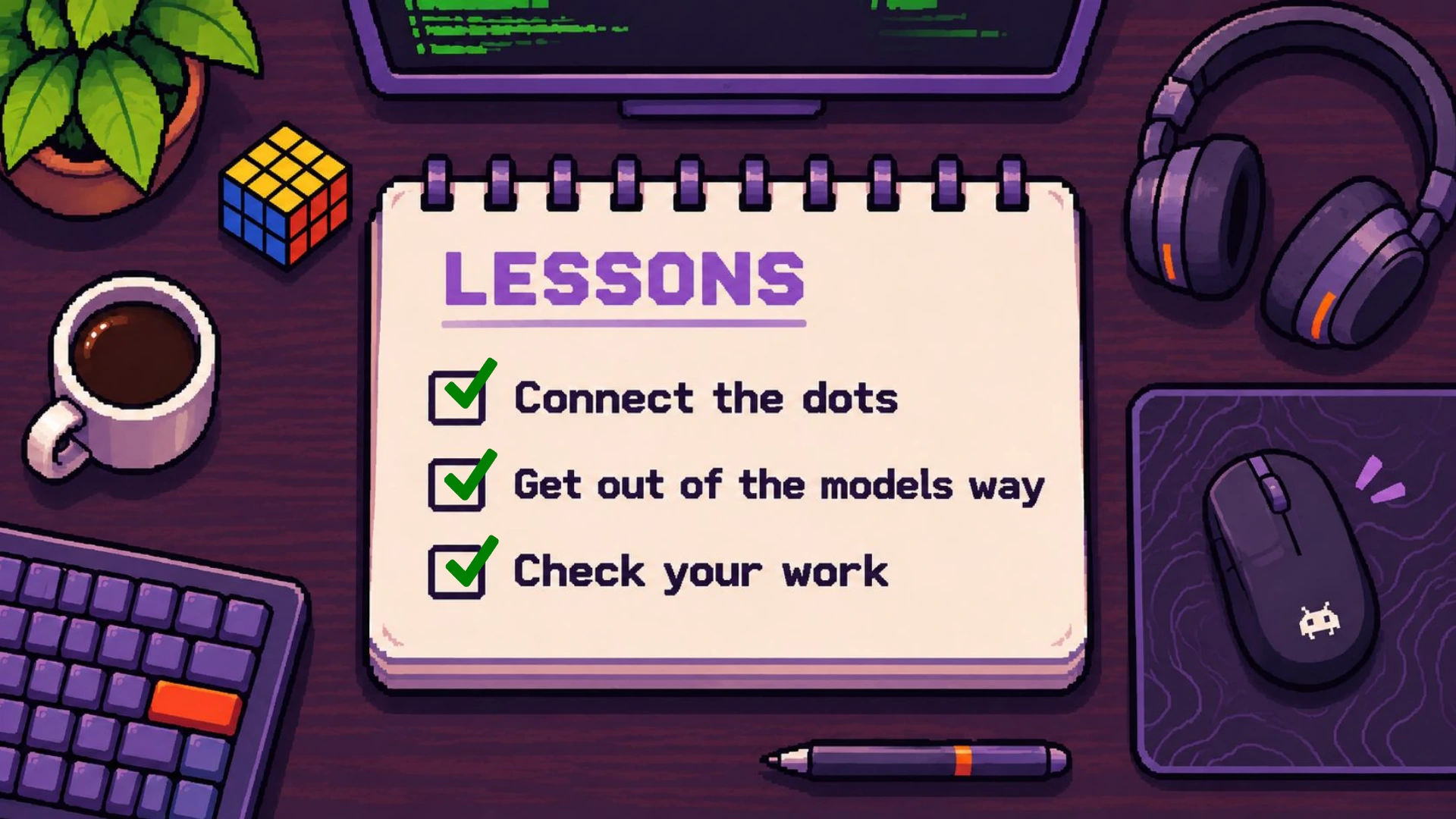
Those were the three most important lessons we learned:
- Connect the dots for your agent. Push the deterministic parts into code.
- Let the model explore what you don't know. Don't add unnecessary guardrails, validation steps, or logic outside the agent loop that gets in its way.
- Check what you can, and go from there.